Client Resources Hub for
Juila Smith from Being Well
This is a private website dedicated to you as our client, only people with the link can find it.
Welcome to your dedicated client website.
More resources will be added as you require them.
CLP Content Management System
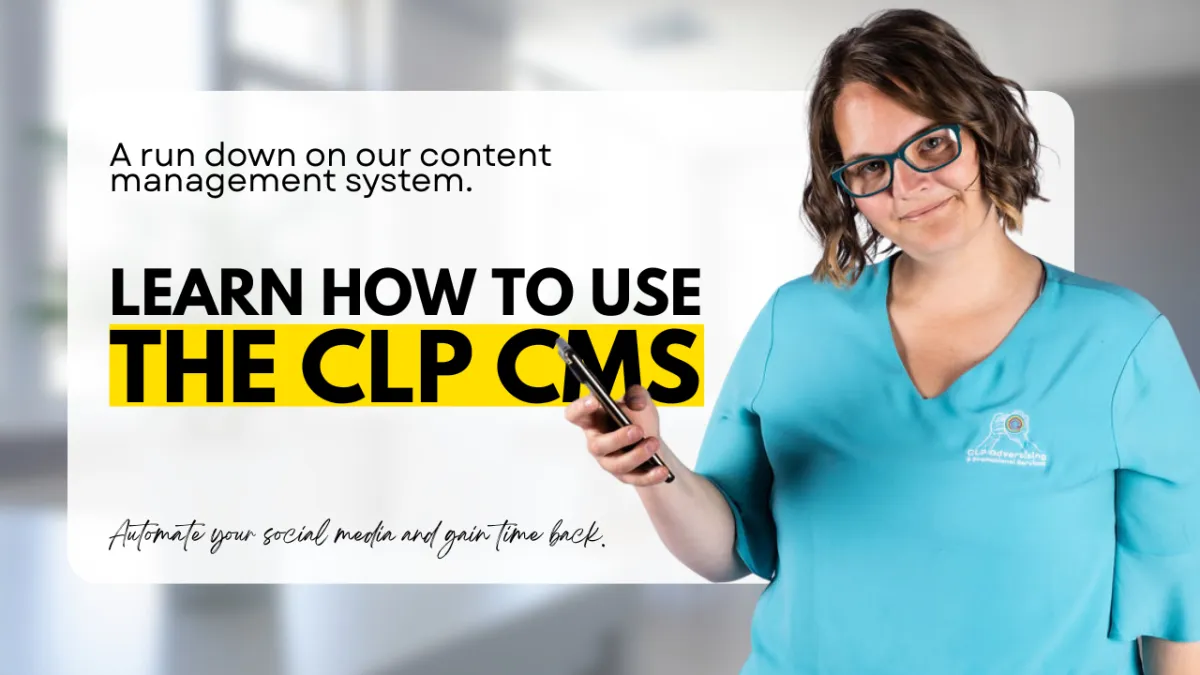
Here is a quick video on the CLP CMS, where we walk you thought the basics of the system.
Watch the Video
Chapters:
00:18 Connect Social Media Accounts
00:34 Brand Settings
00:41 Publishing Settings
00:54 Notification Settings
01:10 Tracking and Integrations
01:16 Dashboard Overview
01:28 Content Library Overview
01:39 Creating a Post (One-by-One)
01:51 Using Caption AI
03:16 Customising Captions by Platform
04:36 Recycling Content
05:55 Using Content Tags
07:03 Creating Bulk Content
08:20 Uploading Bulk Content
11:37 Editing Imported Posts
12:21 Tagging Content
13:03 Platform-Specific Captions
13:58 Content Approvals
15:11 Content Recommendations
16:42 Image Tools
17:20 Auto Imports and RSS Feeds
17:28 Scheduling Content
19:36 Using Queues
19:46 Content Types Explained
20:51 Using the Calendar
23:29 Monitoring Activity
25:07 Mentions
25:28 Social Listening
25:47 Social Inbox
26:41 Analytics and Reports
27:28 Course Wrap-Up
Download your CSV files to bulk create content
Full CMS Online Course
CLP Social Media Content Management System Training
Managing social media should feel organised, not overwhelming.
This on-demand training course is a complete, practical walkthrough of the CLP Social Media Content Management System, designed to help small business owners and teams confidently manage their content in one central place.
Rather than generic software tutorials, this course shows you exactly how the system is used in real-world business settings. You will learn how to create, schedule, recycle, analyse, and optimise your social media content using a clear, repeatable process.
Sign Up
Sign up to the course and do it at your own pace.
Included in your subscription. (Save details for easy access)
Log-in
If you already signed up Click Here and login
Email & Password Required
What this course covers
You will learn how to:
• Navigate the CMS dashboard, settings, and integrations
• Connect and manage multiple social media accounts
• Create, edit, and customise posts for each platform
• Use AI captions effectively while keeping your content human and on-brand
• Schedule content manually or using automated queues
• Recycle evergreen content without duplicating work
• Upload and manage bulk content using CSV files
• Apply content tags for fast filtering and smarter scheduling
• Use approvals correctly to control what goes live
• Set up RSS feeds to automatically share blog content
• Understand different content types such as Educate, Engage, Connect, Convert, and Motivate
• Use the calendar, monitoring tools, mentions, and social inbox
• Read analytics and reports to improve future content decisions
Marketing Asset Download
Assetts for Being Wells Marketing - Optimised
Click each image to download it.

LinkedIn Banner

Google Banner

Facebook Banner
Canva Templates
Click each image to open the template.

LinkedIn Banner
Google Banner

Facebook Banner
GPTs Coming Soon
This section will have custom GPT's built to help you with your marketing!
Contact Us
Book a meeting
Send us an email
Other resources
A tidy toolkit of simple, friendly documents you can share with colleagues, save to your drive or print for your desk.
Vogue product update checklist (PDF)
A one‑page tick‑list covering everything you need before you press publish – from image sizes to pricing and categories.
Product data template (Excel/Sheets)
Pre‑formatted columns for names, SKUs, descriptions, dimensions and imagery references – perfect for bulk updates or new ranges.
Image & photography guide
Simple rules for getting crisp, consistent imagery that still feels playful – including recommended sizes, crops and background styles.
Copy prompts for product descriptions
A playful worksheet with fill‑in‑the‑blank prompts that help you write clear, on‑brand descriptions without staring at a blank page.
Frequently asked questions
A few quick answers so you can keep the site updated without breaking a sweat (or the layout).
What if I update something and it does not look quite right?
Take a screenshot of the page, note the URL and email it to our support team with a short description of what you were trying to do. We will fix the layout, send you a quick explanation and, if helpful, record a short Loom video showing the correct steps for next time.
Can I bulk‑upload lots of products at once?
Yes. Use the product data template in the Resource Library section to organise your information. Once it is complete, send it to us and we will either import it for you or guide your technical team through the import process, depending on your set‑up.
Do I need design skills to change product photos?
No design degree required. As long as your images are clear, well‑lit and roughly match the recommended sizes in the Image & photography guide, the site will handle the rest. If in doubt, send us a small selection and we will advise which work best.
How often should we refresh our product list?
Most clients review their catalogue monthly and do a bigger seasonal tidy‑up every quarter. Whenever you launch a new range, add it to the site at the same time as you brief your sales and marketing teams, so everything feels aligned.
Need a hand with your next update?
We are the marketing agency behind Resources for Clients: Vogue Office Furniture, and we are here to keep things easy. Share your ideas, your messy spreadsheet or even a quick voice note, and we will help translate it into a polished, on‑brand website update.
Email: [email protected]
Response time: within one working day